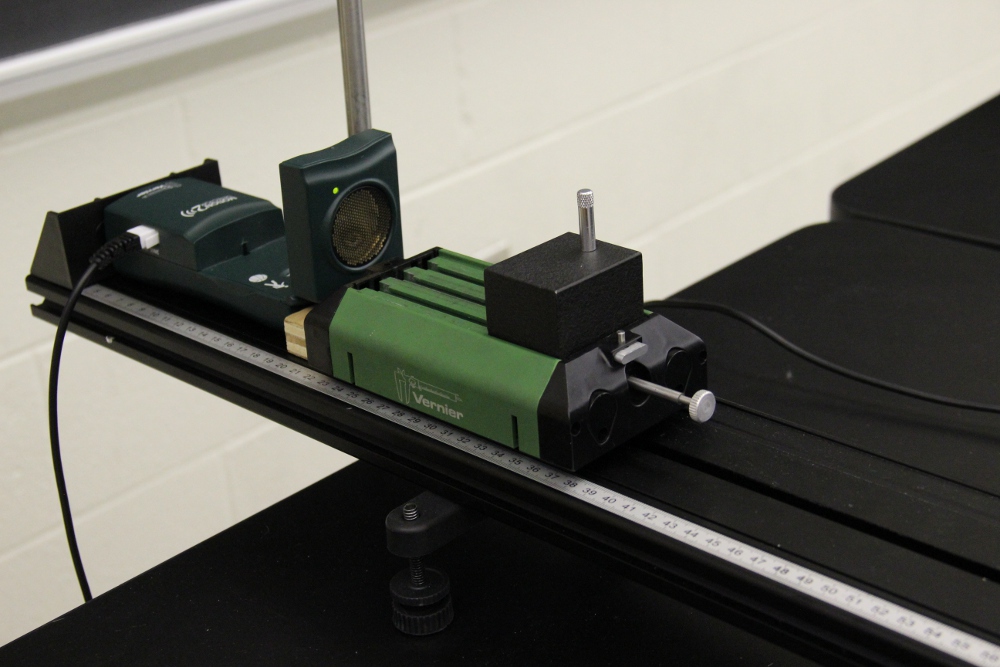
Transition notes:
- The following can be left out from the previous lab (2215 Lab 1)
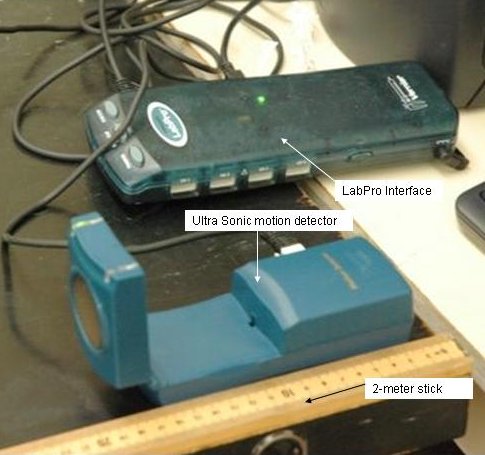
- 2 meter stick
- Don't forget to sweep!!!!! Please!!!!
Equipment List:
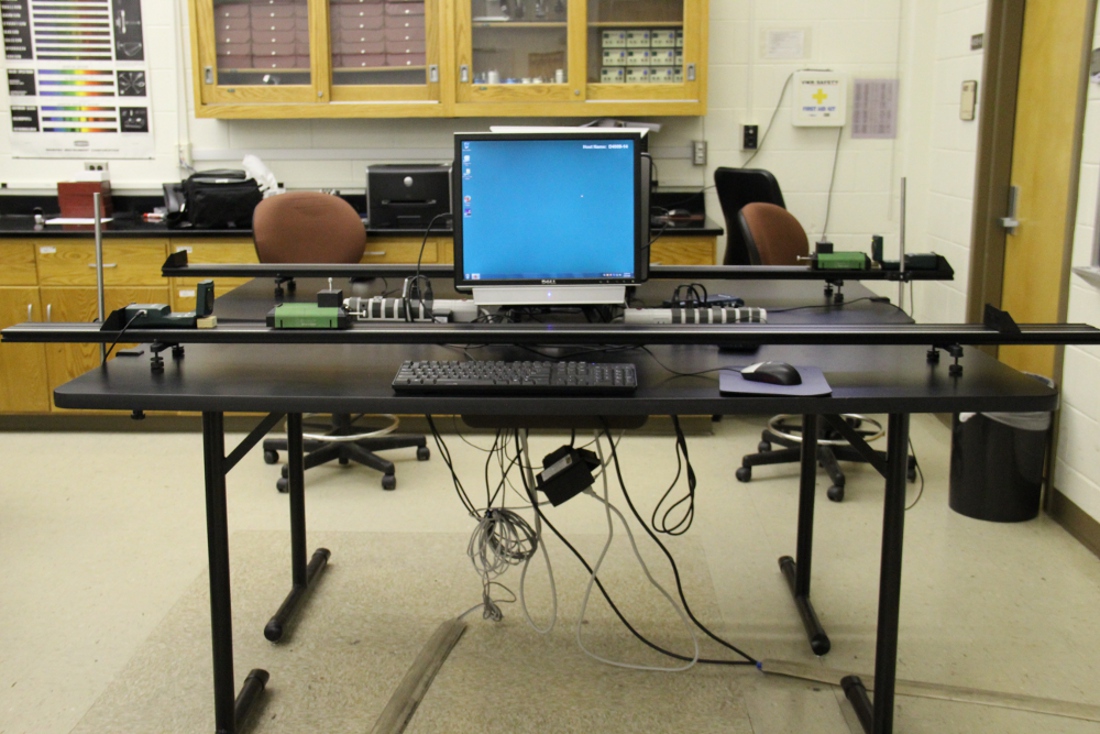
- Computer - 2000 level Desktop
- LabPro Interface
- LabPro Interface Power Supply
- USB-A to USB-B USB cord
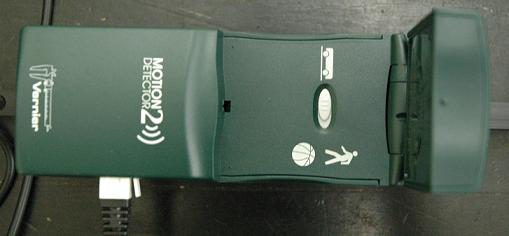
- Motion Detector (Vernier) (DIG/SONIC 1)
- Motion Detector Cord (Vernier)
- Small Wooden Block
- 2.2 Meter Cart Track
- 2 x Track Feet Brackets
- Each bracket needs to have 2 x Track Feet in each bracket (so FOUR feet total)
- 2 x Endstops (one at each end of the track)
- Screw, Thumb - Track End Stop
- Elevation Clamp
- Rod - 45cm
- Universal Clamp - Medium
- Dynamics Cart (Vernier)
- 500g Cart Mass
- Screw, Thumb-Vernier Cart Mounting Short
- Wing Nut
- 2 Meter Stick
General Class use :
- Electronic Balance - 2,200g, 0.01 g Readability
Notes and tests:
- Make sure tracks are leveled.
- Start the file from the Lab 3 folder in Class Notes. Make sure the switch on the motion detector is on the cart setting. Click "Collect" and move the cart in front of the motion detector to test if its movement is detected by the motion detector. You will need to make sure the motion detector is angled just right to create a smooth graph across the whole length of the track.


![[HOME]](https://www1.phys.vt.edu/~demo/images/Mis/home2.GIF)
![[PREV]](https://www1.phys.vt.edu/~demo/images/Mis/arrow2.GIF)
![[PREV]](https://www1.phys.vt.edu/~demo/images/Mis/arrow.GIF)
![[PREV]](https://www1.phys.vt.edu/~demo/images/Mis/arrownew.gif)